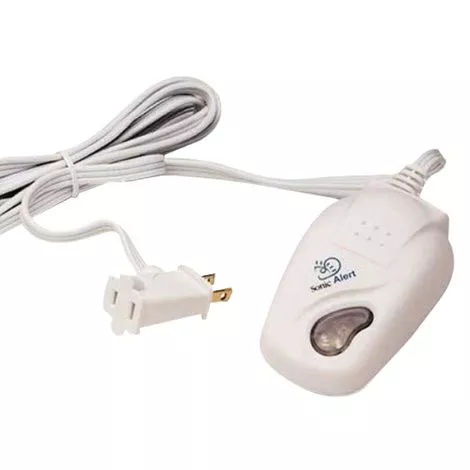
Features
- Sonic Deluxe Remote Receiver will have a different sequence of flashing depending on which transmitter is being activated
- The green light will indicate if the lamp is in the on or off position
- Easy installation, just plug in and use
More Information
- Installation:
– Plug a lamp into the outlet on the cord of the SA201
– Make sure the switch on the lamp is in the “ON” position or the lamp will not flash when the telephone rings
– Plug the SA201 Remote Receiver into any standard electrical outlet
– From this point on, only use the button on the SA201 to turn the lamp on and off
– Pressing the button once will turn the lamp ON
– Pressing the button again will turn the lamp OFF
– A green light under the button will come on whenever the lamp should be on
– If the green light is on and the lamp is not on, the lamp is either turned off or the light bulb is burned out
– If you turn the switch on the lamp to the OFF position, the lamp will not flash when the SA201 is activated If the lamp plugged into the SA201 is on, it will flash off when the telephone rings
– If the lamp is in the off position, it will flash “on” when activated